SERVICE DETAILS
›
REQUEST DETAILS
›
CONFIRM
New Reservation
+ Add stop
+ Add return stop
Round-trip estimate updates automatically after return route is selected.
Select a vehicle below to continue
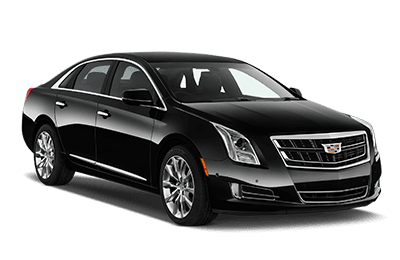
Luxury Sedan
3 passengers • 5 luggages
ONE-WAY
—
ROUND-TRIP
—
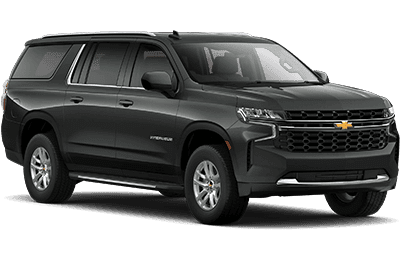
Luxury SUV
6 passengers • 6 luggages
ONE-WAY
—
ROUND-TRIP
—
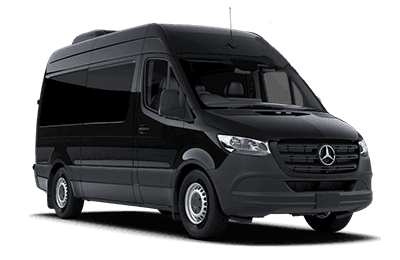
Sprinter Van
14 passengers • luggage on request
ONE-WAY
—
ROUND-TRIP
—
Tip (optional)
20% (default)
Request Summary
BOOKING # —
Vehicle—
Service—
One-way base—
Tip—
One-way total—
Round-trip base—
Tip—
Round-trip total—
Confirm
BOOKING # —
Service—
Passengers—
Pickup time—
Pickup—
Stops (Outbound)
—
Drop-off—
Vehicle—
One-way total—
Return date & time—
Return pickup—
Stops (Return)
—
Return drop-off—
Round-trip total—
• Click Send Request and the customer receives a confirmation email automatically.
• Company also receives the request by email.
• Company also receives the request by email.